Interactive Dashboard
The DbxSmith Interactive Dashboard (dbx-smith dash) is a high-performance, non-flickering TUI (Terminal User Interface) built in pure Bash. It serves as the central mission control for your Distrobox containers.
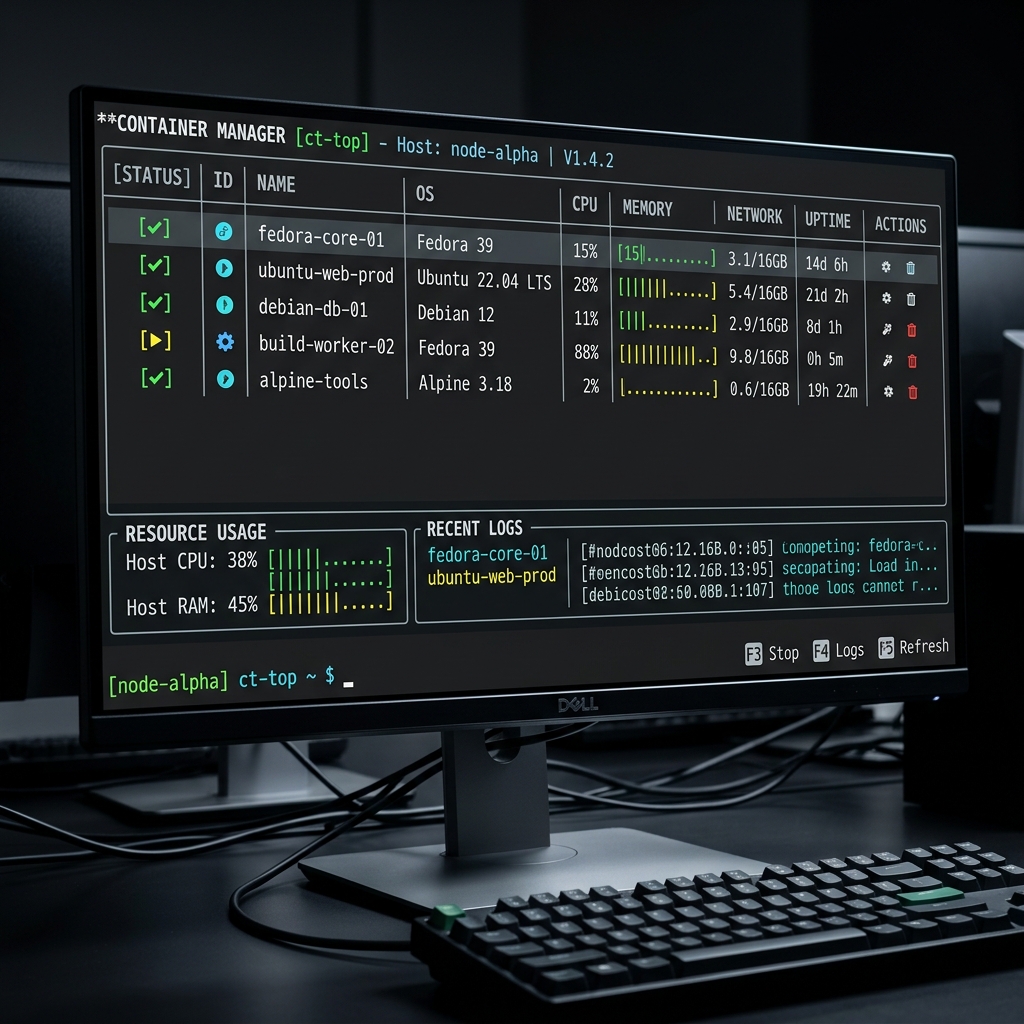
Key Features
⚡ Zero-Flicker Rendering
Unlike traditional shell scripts that use clear and cause annoying screen flickering, the DbxSmith dashboard uses absolute cursor positioning and smart line overwriting. This results in a smooth, professional experience comparable to native applications.
🧵 Asynchronous Task Engine
One of the most powerful features of the dashboard is its background task system. Long-running operations like Provisioning a new box or Removing an old one happen in the background.
- Non-Blocking: You can continue to navigate the list while a container is being created.
- Real-Time Progress: A visual overlay shows a progress bar (0-100%) and streaming logs from the underlying process.
- Auto-Dismiss: Successful tasks vanish after 1 second, keeping your workspace clean.
- Error Persistence: If a task fails, the overlay stays open so you can inspect the "Detailed Logs" before dismissing it.
🧙 Smart Creation Wizard
Pressing + launches a multi-step creation wizard that guides you through:
- Strategy Selection: Choose from standard, ghost, or airgapped environments.
- Naming: Give your box a unique identity.
- Image Source: Specify the container image (e.g.,
fedora:latest). - Alias: Optionally create a host-level alias for instant access.
Navigation Shortcuts:
- [Esc]: Go back to the previous step to fix a typo.
- [Cancel]: Abort the wizard entirely.
Controls Reference
| Key | Action |
|---|---|
↑ / ↓ | Navigate the container list |
Enter | Connect to the selected container |
+ / = | Launch the Creation Wizard |
s | Stop a running container |
r | Remove a container (Asynchronous) |
l | Toggle Detailed Logs during an active task |
q / Esc | Quit the dashboard |
Performance and Resource Usage
The dashboard is designed for high efficiency:
- 0% Idle CPU: The main loop is event-driven and blocks until a key is pressed.
- Pure Bash: No Node.js, Python, or heavy runtimes required.
- Micro-Sleeps: Background log polling uses 20ms micro-sleeps to ensure minimal system impact even during intensive container builds.